Trice Reference Manual
New to Trice? Use the Trice Guide to choose a topic, or follow the short User Manual from your first PC log to your own firmware. This Reference Manual contains the complete syntax, configuration and example instructions. Project resources include downloads, related projects, and support options.
Symbols and table results
The User Manual and Reference Manual use the following symbols beside text labels. Their meaning does not depend on color.
| Symbol | Label | Meaning |
|---|---|---|
| ℹ️ | Note | Useful background or an explanation. |
| 💡 | Tip | An optional improvement or easier approach. |
| ❗ | Important | A prerequisite or rule needed for the described result. |
| ⚠️ | Warning | An action can have unwanted consequences. |
| ⛔ | Unsupported | A combination or workflow is not supported. |
| 🔍 | Check | A concrete verification or diagnostic step. |
| ✅ | Yes / Expected result | A positive table answer or the expected outcome of an example. |
| ❌ | No / Incorrect | A negative table answer or an intentionally incorrect example. |
In comparison tables, ✅ Yes and ❌ No answer the column’s question; ❌ No does not necessarily mean an error. Partial keeps its stated restriction, — means not applicable, and ? means unknown or not checked. A measured value of zero remains 0.
+ Speed of Light `printf` Comfort Within Interrupts And Everywhere +
-   (TL;DR)   ->  Too Long; Don't Read - use it as reference only
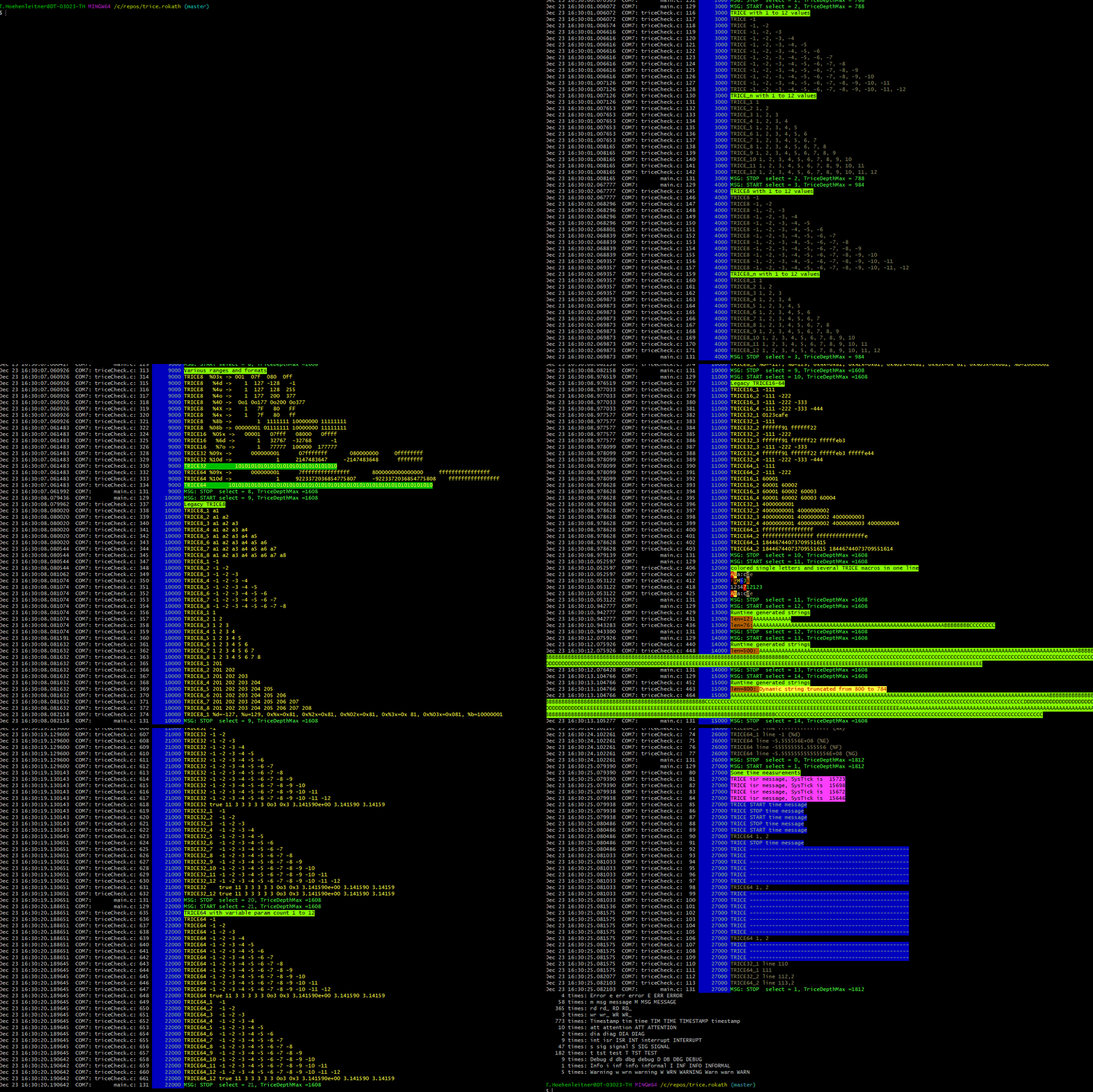
(Select the preview to open the full animation; PDFs show the still image.)